Microsoft Intune device limit restrictions for Windows
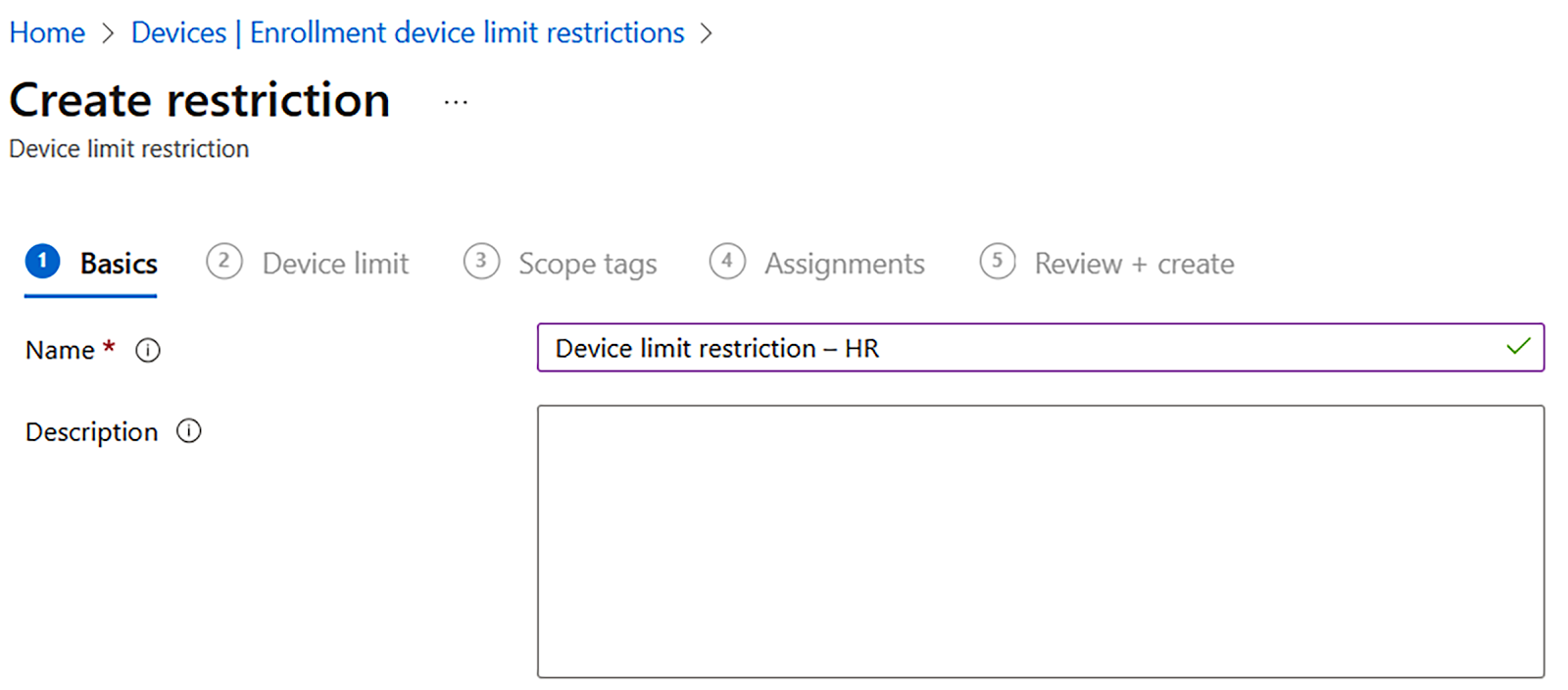
In this article, we will learn how to limit the restrictions for a device. Let’s get started. To configure the enrollment restriction for Windows, follow these steps: 1. In the Microsoft Intune admin center, go to Home | Devices | Windows | Windows Enrollment | Device limit restriction and Create restriction: • Name: Enter Device limit restriction – HR Figure : Microsoft Intune admin center – Device limit restriction 2. You can set Device limit to a number from 1 to 15. The default in Microsoft Intune is a limit of 5: Figure : Microsoft Intune admin center – Device limit restriction 3. For the Assignments step, select HR Department. When you are creating a custom enrollment restriction, you can scope it to apply to specific user groups in your organization, departments, countries, and so on: Figure: Microsoft Intune admin center – Device limit restriction – Assignments 4. In the following screenshot, you can see an overview of the default device limit restrictions. Fig...